
Monitoring Industry News and Competitors
Staying informed about your industry is critical for creating relevant content. Nukipa aggregates and analyzes news from your market, tracks your competitors, and turns insights into actionable content ideas.
Setting Up News Monitoring
News monitoring starts automatically when you create your Nukipa workspace. The platform identifies your industry based on your company profile and begins tracking relevant news sources.
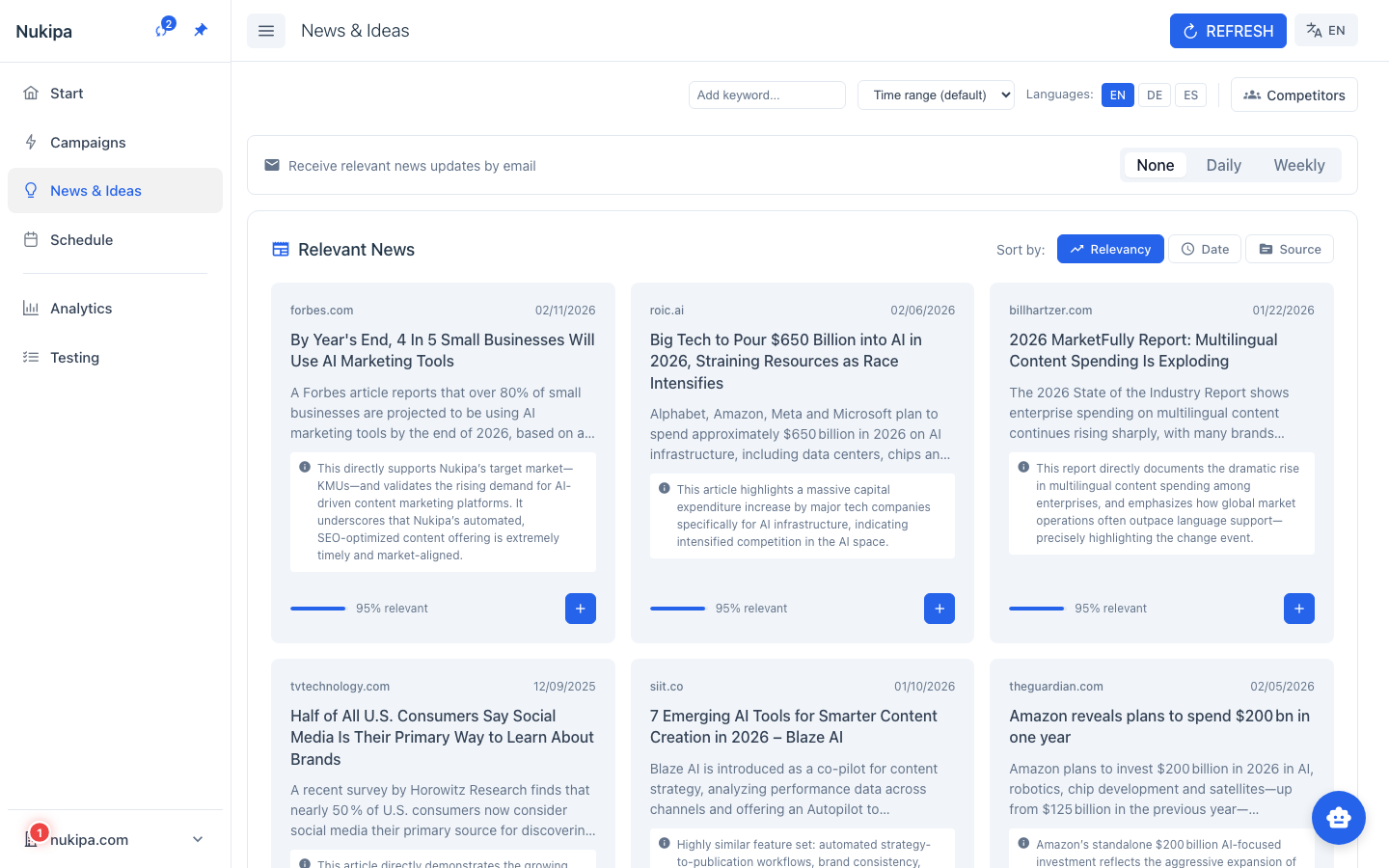
Refreshing News
- News is fetched automatically at regular intervals.
- You can also trigger a manual refresh by clicking Refresh in the News section.
- A background job fetches, filters, and scores articles by relevance to your business.
Relevance Scoring
Not all news is equally relevant. Nukipa scores each article based on how closely it relates to your business, your industry, and your keywords. The most relevant articles appear at the top.
Competitor Monitoring
Track what your competitors are doing:
- Go to News and find the Competitors section.
- Click Add Competitor.
- Enter a competitor's name or website URL.
- Nukipa begins monitoring news mentions and activity related to that competitor.
You can add multiple competitors and remove them at any time.
Turning News into Content
The real power of news monitoring is turning insights into marketing content.
Generate Ideas from News
- Find an interesting news article.
- Click Generate Ideas.
- The AI proposes blog post and landing page ideas inspired by that article and framed from your company's perspective.
- Click on any idea to start creating content.
Create Content Directly
For timely topics, skip the ideas step:
- Click Create Content on a news article.
- The AI immediately generates a blog post or social media post that references the news from your angle.
Social Media from News
Create social media posts that comment on trending news:
- Click the social media option on a news item.
- The AI generates a LinkedIn post with your take on the story.
News Email Digests
Stay informed without constantly checking the dashboard:
- Go to News > Subscription Settings.
- Choose your frequency:
- Daily - A summary of the most relevant news every morning.
- Weekly - A weekly roundup delivered once per week.
- None - No email digests.
Each team member can configure their own preference independently.
Note: News email subscriptions are available on paid plans.
Tips for News-Driven Marketing
- React quickly to trending topics. Creating a blog post about a hot industry topic within hours of the news gives you a first-mover advantage in search results.
- Add 3-5 competitors. Having competitive context makes the AI-generated content more differentiated and strategic.
- Use news ideas for Autopilot. When Autopilot generates content plans, it incorporates recent news automatically.